How it works
Add your clothes, organize your wardrobe, create outfits and plan your looks.
Add your clothes
Take a photo of a piece or choose one from your gallery. On Plus and Premium, AI analysis can suggest details like category and color — you can always edit them.
Organize your wardrobe
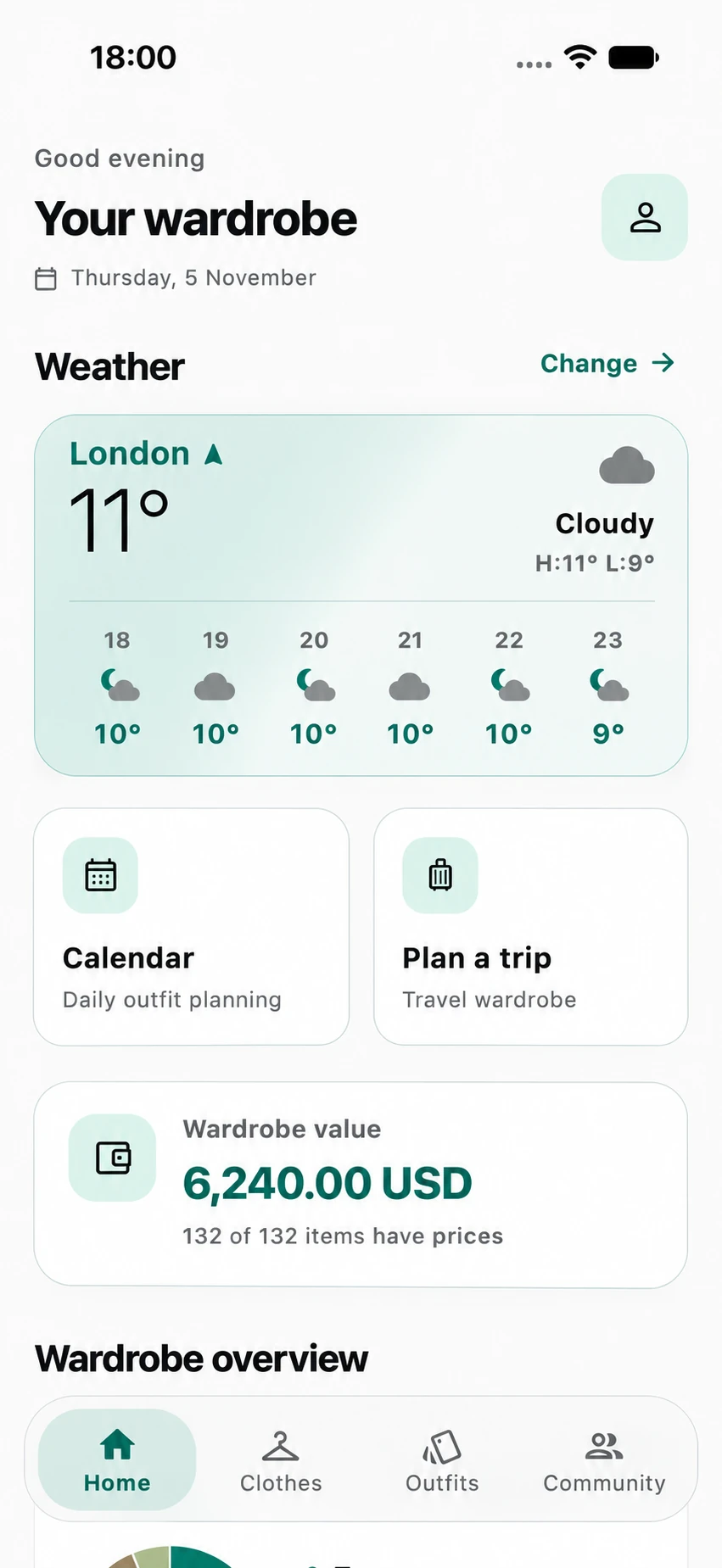
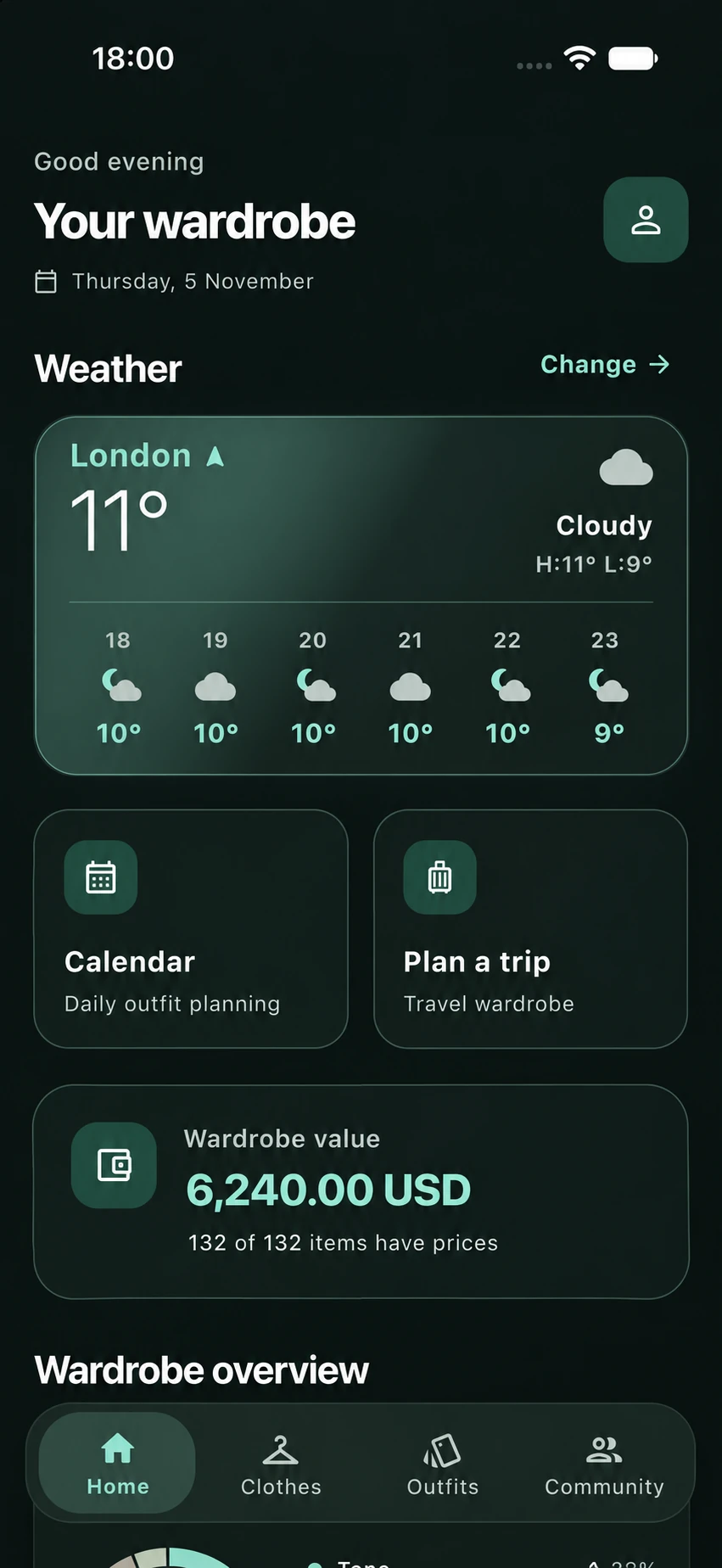
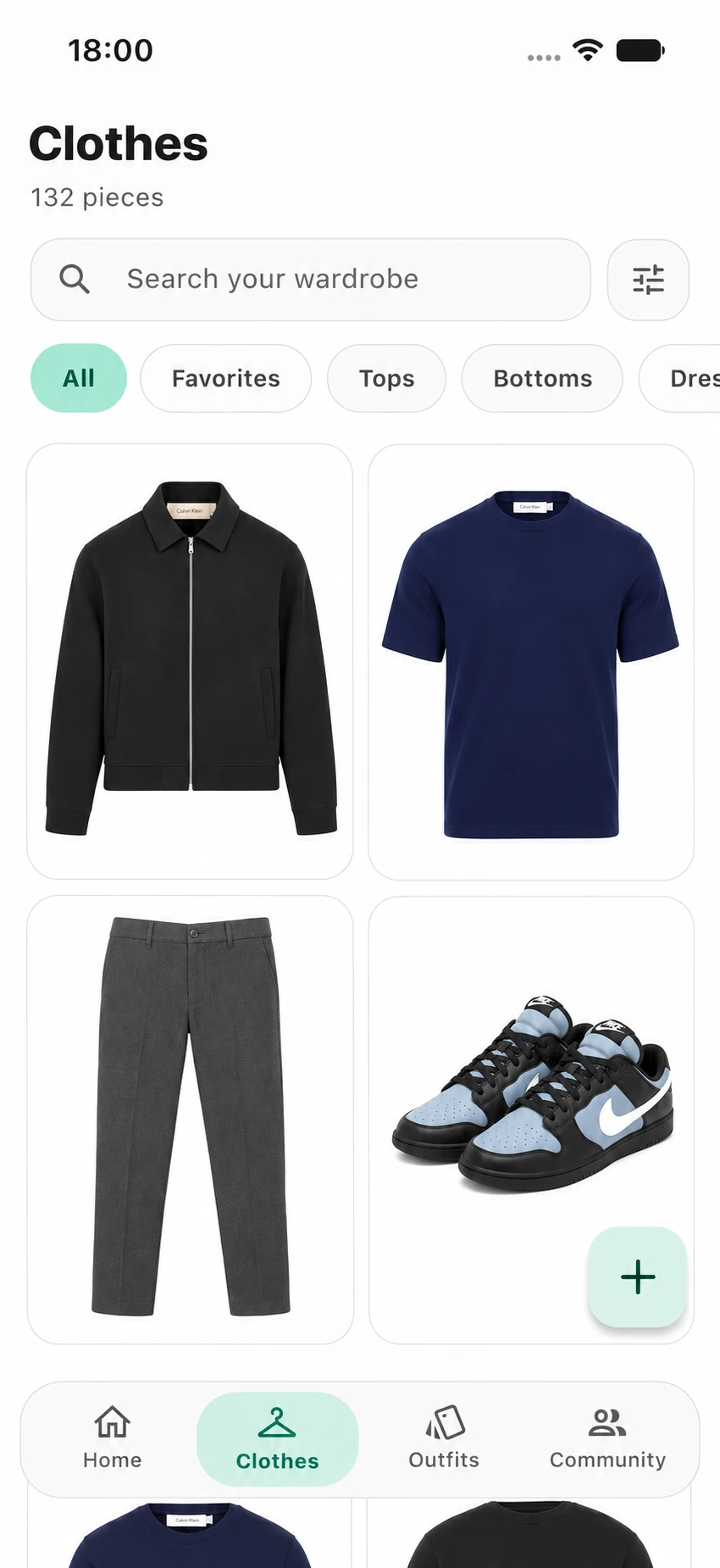
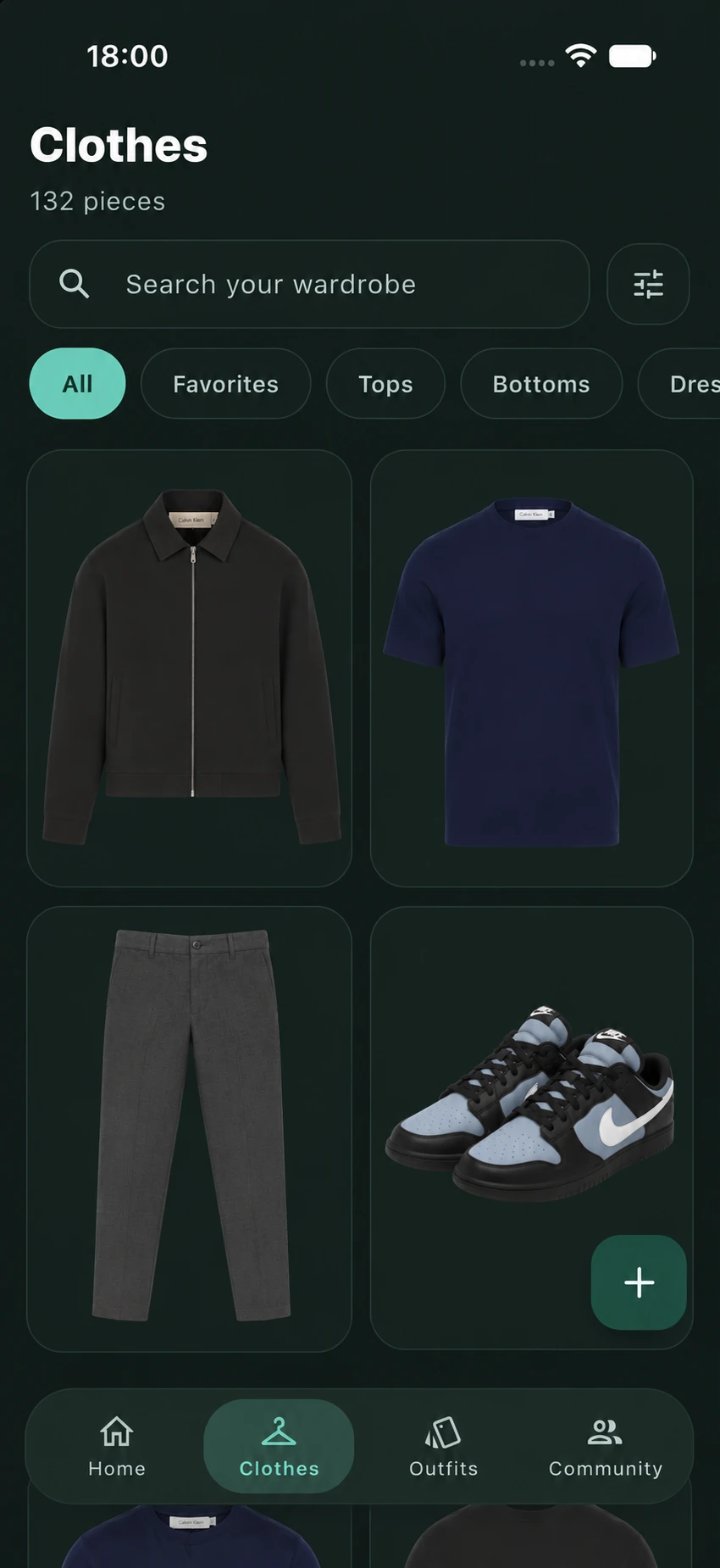
Your clothes appear in categories you can browse, search, filter and mark as favorites. Value tracking shows what your wardrobe is worth.
Create outfits
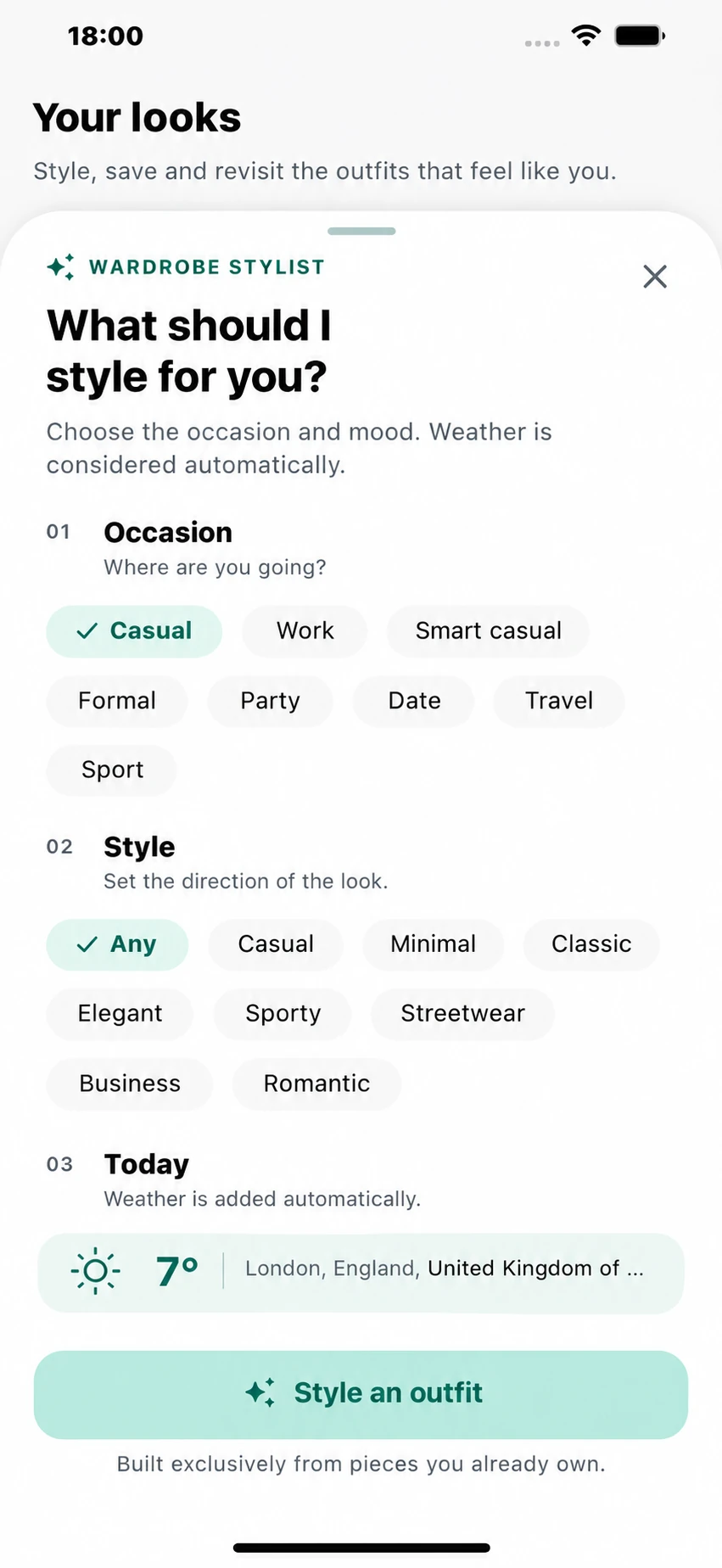
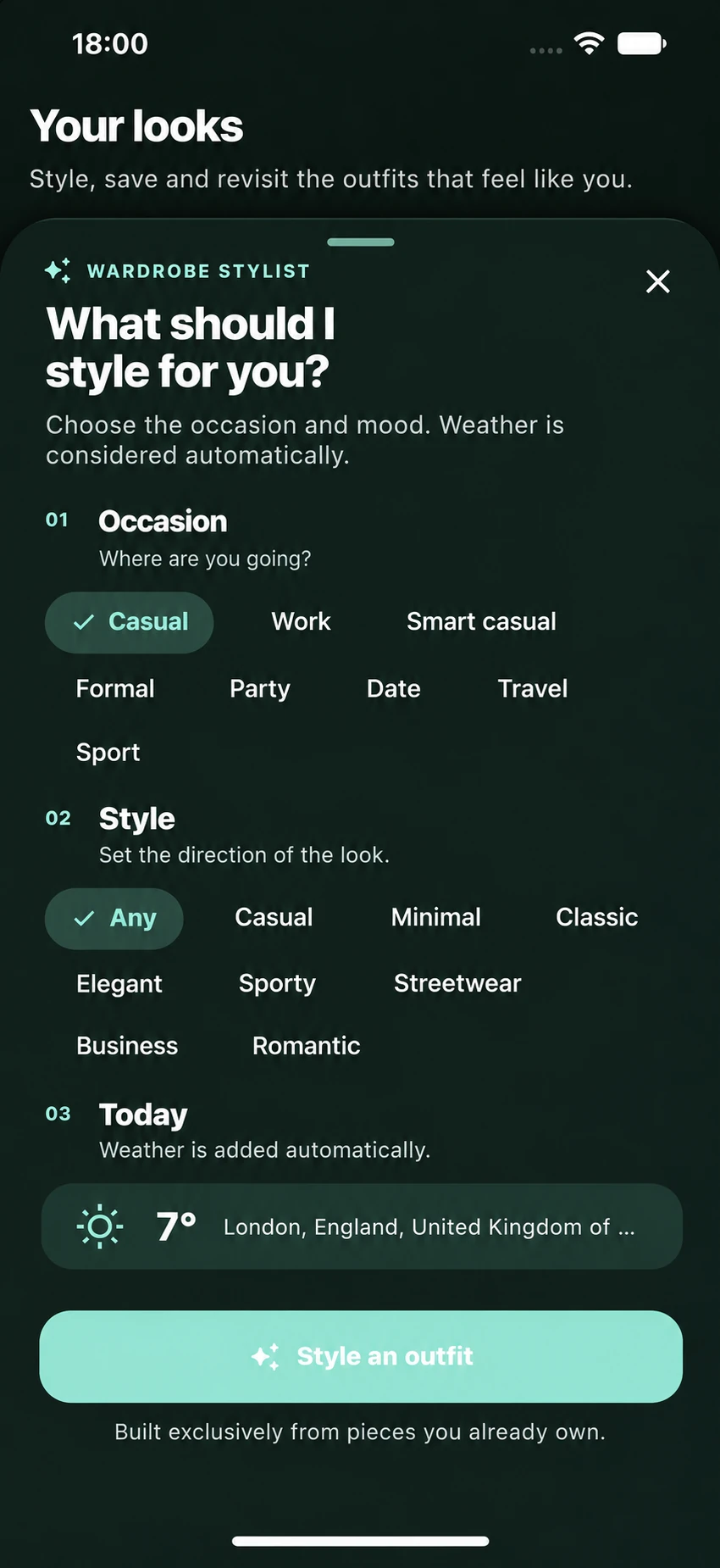
Combine pieces manually or ask AI for suggestions built from your own clothes. Preview a look on your photo with Virtual Try-On.
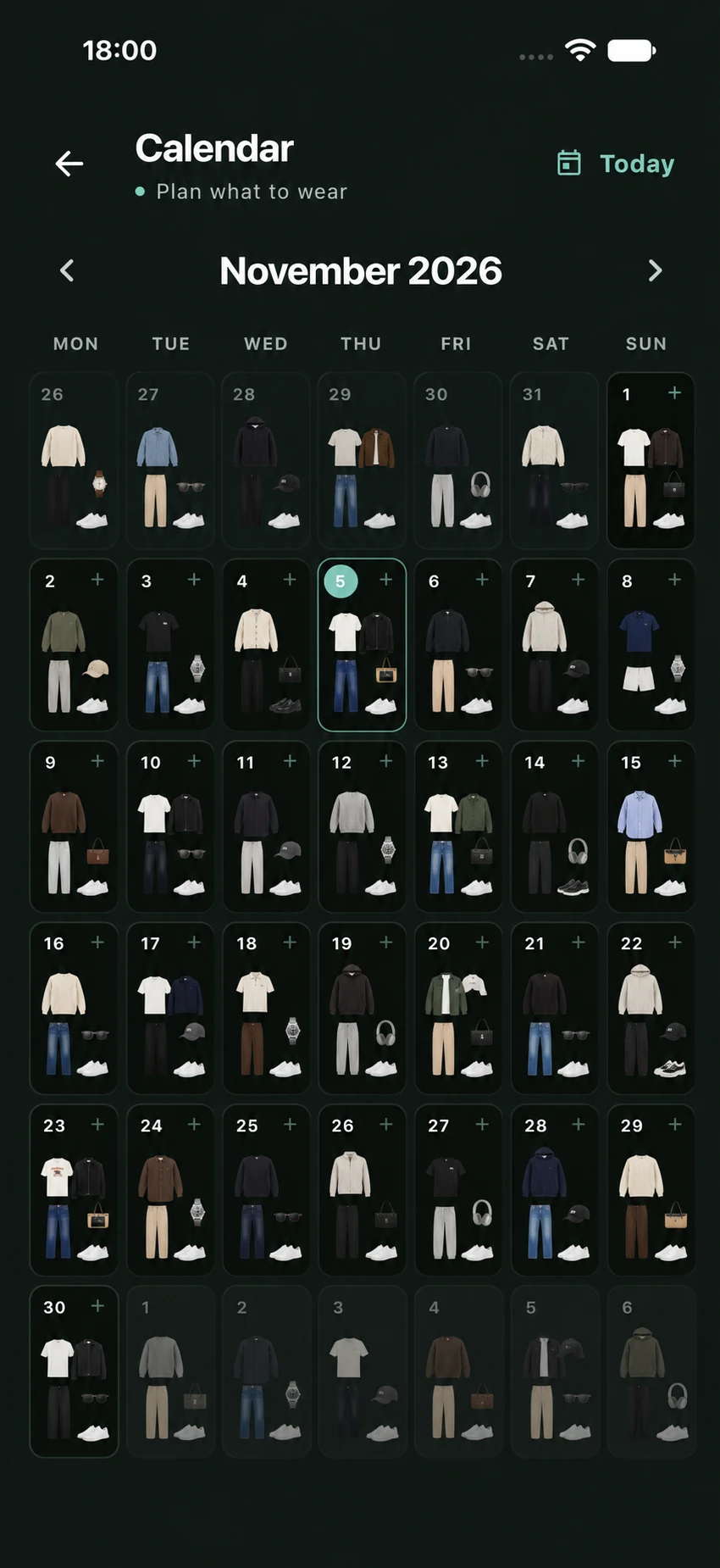
Plan your days
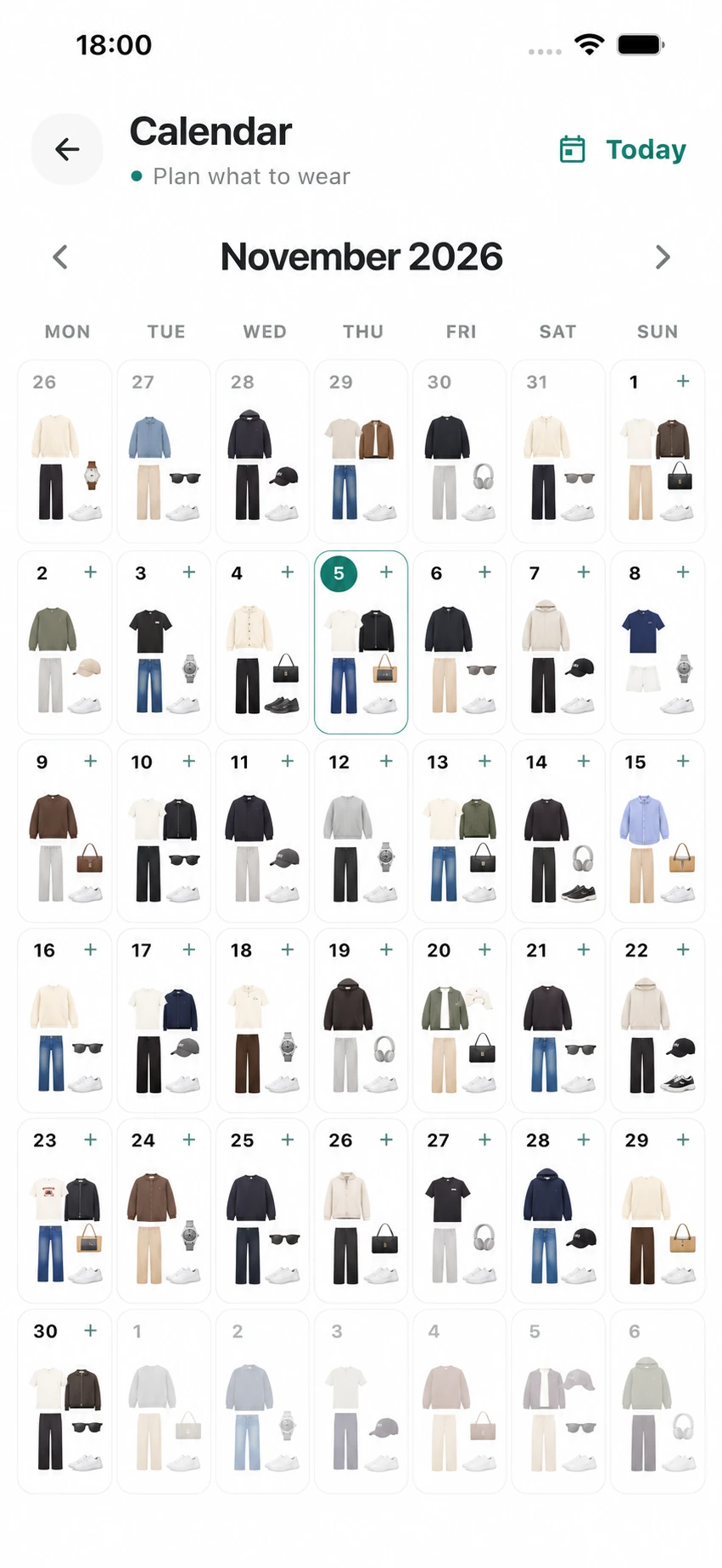
Assign outfits to calendar days so mornings start with a decision already made.
Pack for trips
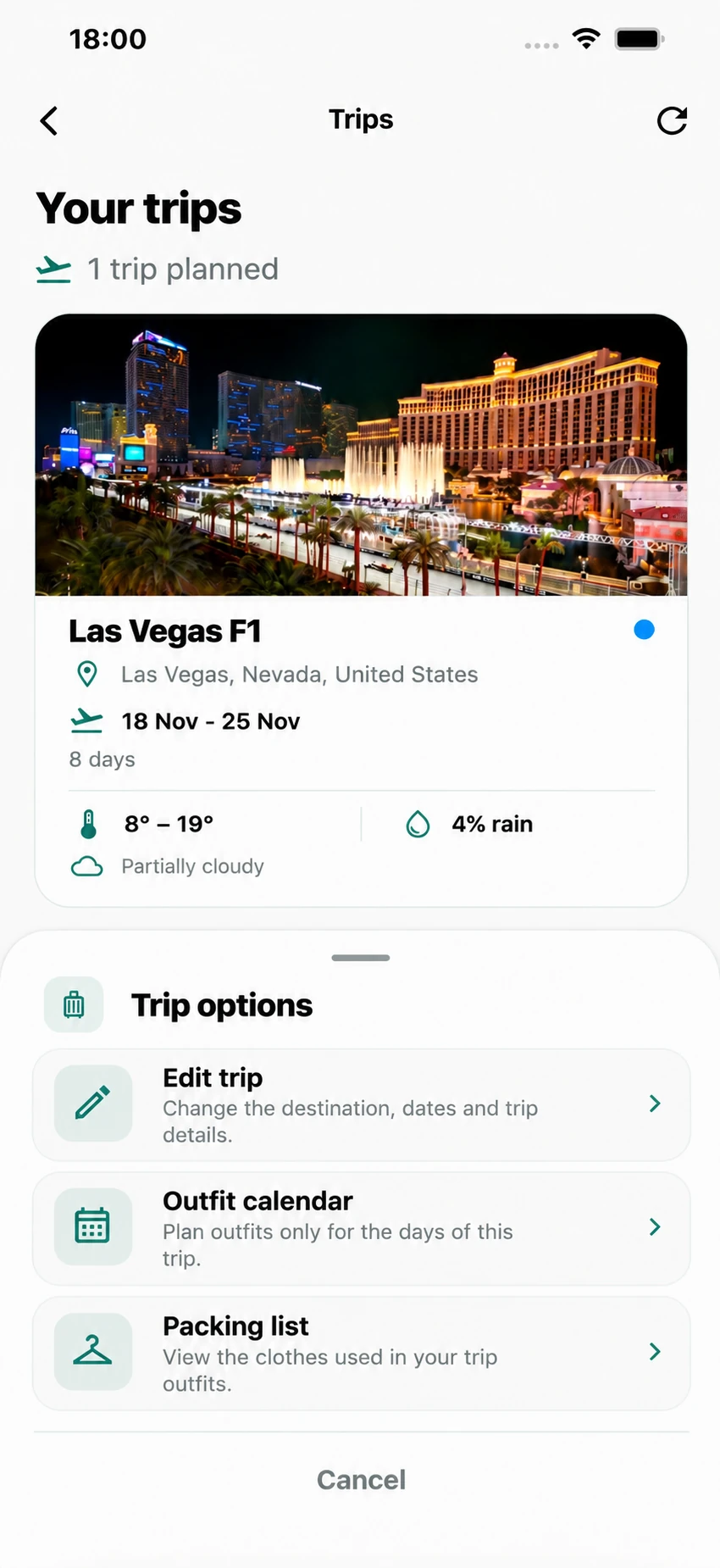
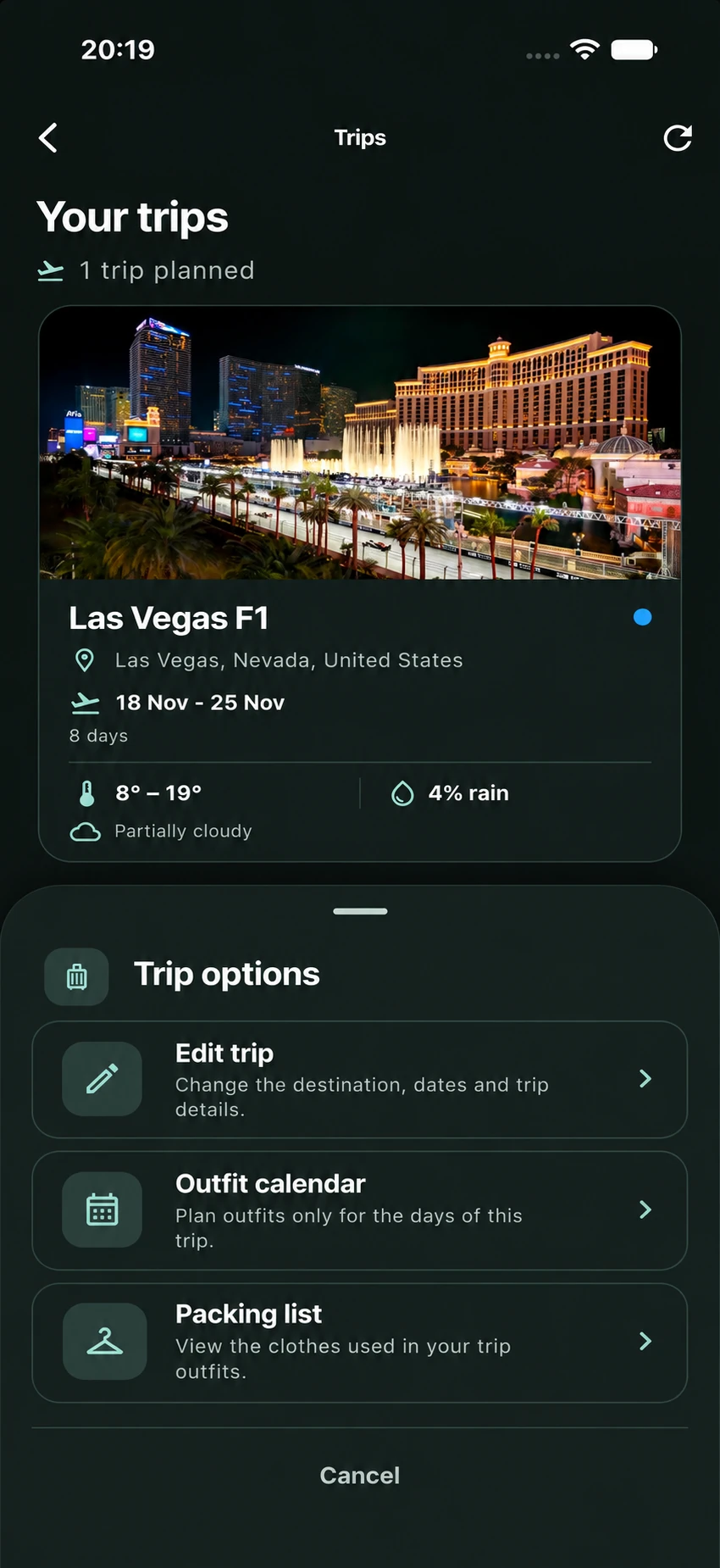
Create a trip, choose what to bring and prepare an outfit for every day. Premium can generate trip outfits automatically.
Your style starts with what you own.
Bring your wardrobe together and discover new ways to wear it.
Launching soon on iOS and Android